29 May 2026
How to Optimise Images for SEO
Optimising images for SEO improves search rankings and user experience. This guide covers file formats, compression, alt text, captions, images, structured data, and continuous optimisation, helping your visuals drive traffic to enhance performance.
Guide
- Why Image SEO Matters
- Step 1: Choose the Right File Format
- Step 2: Compress Images for Faster Load Times
- Step 3: Use Descriptive File Names
- Step 4: Optimise Alt Text
- Step 5: Implement Captions and Titles
- Step 6: Create Responsive Images
- Step 7: Use Structured Data
- Step 8: Optimise Image Placement
- Step 9: Create an Image Sitemap
- Step 10: Monitor and Optimise Continuously
- Common Mistakes to Avoid
- Make Every Image Count for SEO
Images are a major component of any website, yet many marketers and business owners overlook their role in search engine optimisation (SEO). Optimised images improve the visual appeal of your site and also enhance page speed, accessibility, and organic search performance. For CEOs, marketing teams, and website managers, knowing how to optimise images correctly can significantly boost your online visibility and user engagement.
This guide provides a step-by-step approach to image SEO, covering file formats, compression, alt text, structured data, and best practices to ensure your website images support both search engines and user experience.
Why Image SEO Matters
Search engines consider image optimisation as part of overall website quality. Properly optimised images can:
- Improve page load speed, reducing bounce rates
- Boost search rankings through relevant alt text and structured data
- Drive traffic from image search results, particularly via Google Images
- Enhance user experience, making content easier to digest

Even if your business focuses on written content, product pages, or blog posts, images play a key role in SEO. Failing to optimise images can slow your site, frustrate users, and reduce search visibility.
Step 1: Choose the Right File Format
Selecting the right file format is the first step in optimisation. Common options include:
- JPEG: Ideal for photographs due to small file sizes and good quality
- PNG: Best for graphics, logos, and images requiring transparency
- WebP: Modern format providing high-quality images at smaller sizes, supported by most browsers
Using the correct format balances image quality with page performance, which is a key ranking factor for SEO.
Step 2: Compress Images for Faster Load Times
Large image files can drastically slow down your website. Use compression tools to reduce file size without sacrificing quality. Popular tools include:
Compression improves page speed, enhancing user experience and positively impacting SEO rankings. If your business works with a freelance marketer or web specialist, they can set up automated workflows for image optimisation during uploads.
Step 3: Use Descriptive File Names
File names should reflect the image content and include relevant keywords. For example, instead of IMG_1234.jpg, use blue-running-shoes.jpg. This helps search engines understand the image and contributes to overall SEO. Tips for naming images:
- Use lowercase letters and hyphens instead of spaces
- Keep names concise but descriptive
- Include primary keywords naturally
Descriptive file names can also improve accessibility, making it easier for screen readers to interpret your content.
Step 4: Optimise Alt Text
Alt text (alternative text) is key for SEO and accessibility. It provides context for search engines and visually impaired users. Best practices for alt text include:
- Be specific and descriptive, e.g., “red leather office chair with ergonomic design”
- Include relevant keywords naturally, without stuffing
- Keep it concise, typically under 125 characters
Alt text contributes to Google’s grasp of your images, which can increase the chances of appearing in image search results.
Step 5: Implement Captions and Titles
Where appropriate, add captions and titles to images. Captions can enhance user experience by explaining the image in context, while image titles can provide additional SEO signals. There are a few considerations:
- Use captions sparingly and only when they add value
- Ensure titles are keyword-rich but natural
- Avoid repetition of alt text in captions
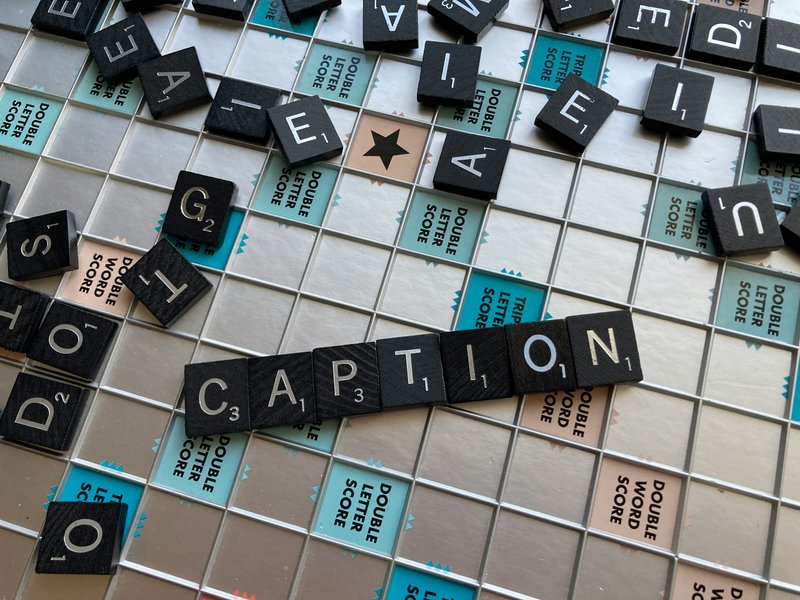
This step is often overlooked but can boost engagement and improve search relevance.
Step 6: Create Responsive Images
Mobile optimisation is vital for SEO. Use responsive images to ensure they display correctly across devices. Techniques include:
- Srcset attribute in HTML to provide multiple image sizes
- CSS media queries to adjust image dimensions based on screen size
Responsive images improve page speed and user experience, both of which are critical ranking factors.
Step 7: Use Structured Data
Structured data, like Schema.org markup, can provide search engines with additional information about your images. This is especially useful for:
- Product images
- Recipes
- Infographics
By including structured data, your images have a higher chance of appearing in rich results or featured snippets, increasing click-through rates from search engines.
Step 8: Optimise Image Placement
Placement of images on a page matters. SEO-friendly image placement tips include:
- Position images near relevant text content
- Ensure images are contextually relevant to the surrounding content
- Avoid using decorative images without purpose, or mark them as aria-hidden
Well-placed images reinforce the topic of your page, helping search engines understand content relevance.
Step 9: Create an Image Sitemap
An image sitemap allows search engines to discover and index your images efficiently. Include:
- Image URLs
- Captions or titles
- Relevant page associations
If your website has hundreds of images, an image sitemap ensures nothing is overlooked by search engines. Platforms like WordPress have plugins that automatically generate sitemaps, which can also be handled by a marketing consultant during website optimisation.
Step 10: Monitor and Optimise Continuously
Image SEO is not a one-time task. Regular monitoring and updates improve performance:
- Track traffic from image search in Google Analytics

- Update alt text and file names when content changes
- Replace outdated images with higher-quality versions
- Test page load speed and optimise images further if necessary
Continuous optimisation ensures your website remains fast, accessible, and relevant to search engines. Businesses that implement these practices consistently see measurable benefits in traffic and engagement, especially when guided by an experienced marketing strategist.
Common Mistakes to Avoid
Even experienced marketers often make these errors:
- Uploading images without compression, slowing down page speed
- Using generic file names like IMG001.jpg, reducing SEO value
- Neglecting alt text, which impacts accessibility and search rankings
- Overloading pages with too many large images
- Ignoring responsive image techniques for mobile users
Avoiding these mistakes ensures your images contribute positively to SEO rather than creating performance or accessibility issues.
Make Every Image Count for SEO
Optimising images is a critical component of an effective SEO strategy. Proper file formats, compression, descriptive file names, alt text, and structured data all contribute to faster pages, better search rankings, and improved user experience. Businesses that implement these practices consistently see measurable benefits in traffic and engagement.
Hire an SEO Specialist who can audit your images, implement best practices, and ensure every visual asset on your website supports both search engine performance and user experience, saving time and maximising ROI.