07 Jan 2025
How To Create a Google Business Profile
This guide runs you through the steps to set up a Google Business Profile.
Guide
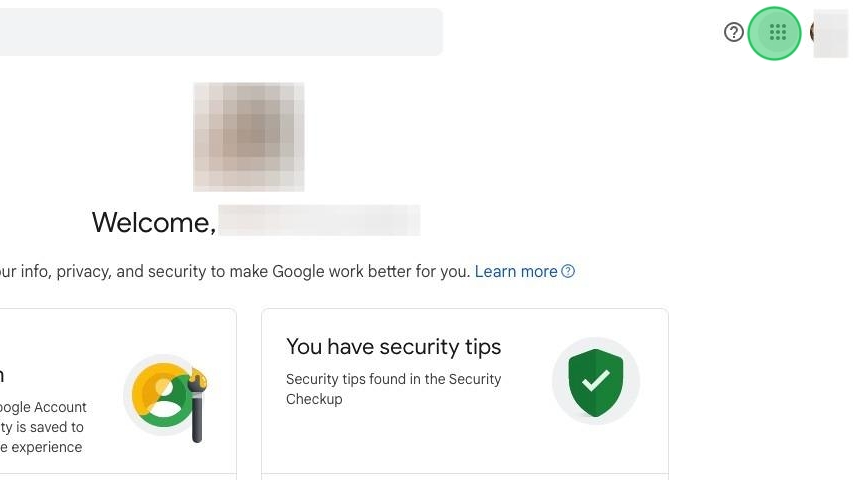
1. Log into the Google account you wish to use with this new business profile. Click the apps icon in the top right of the browser.
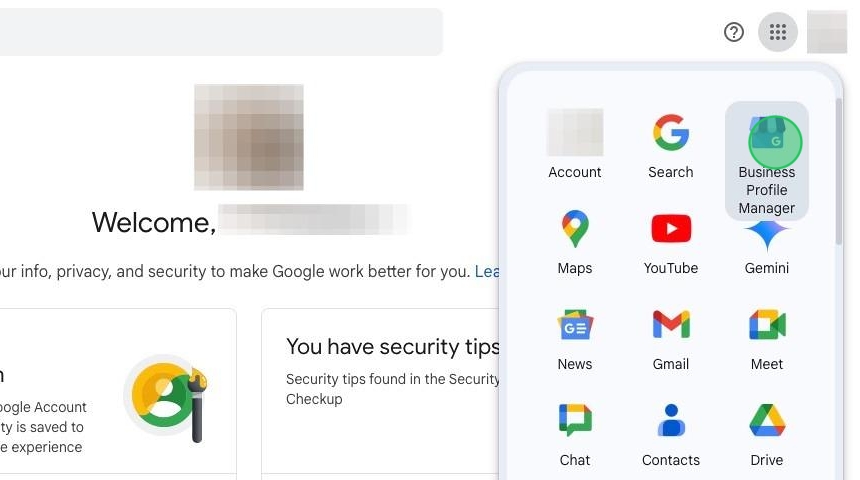
2. Click on 'Business Profile Manager'.
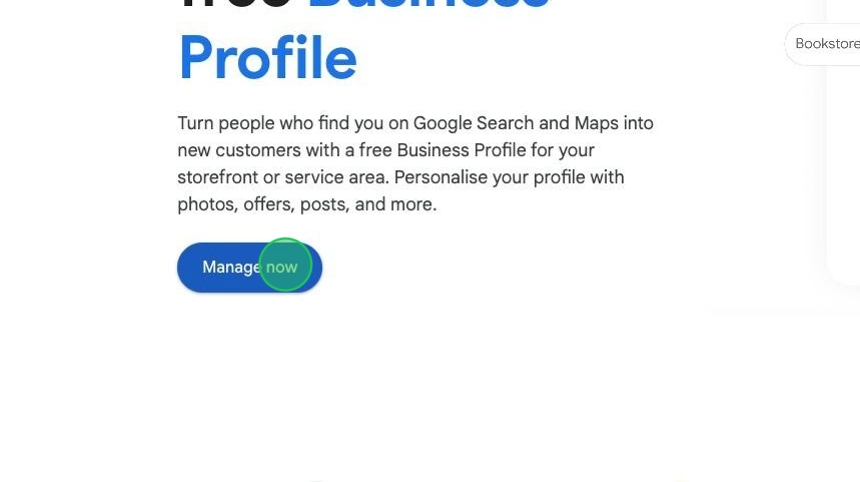
3. Click "Manage now"
4. Enter your business name in the field.

5. Enter your business category in the field.
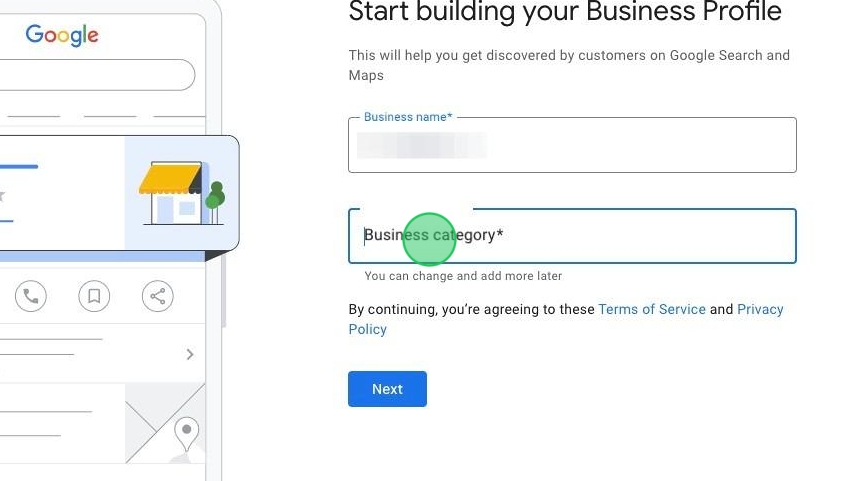
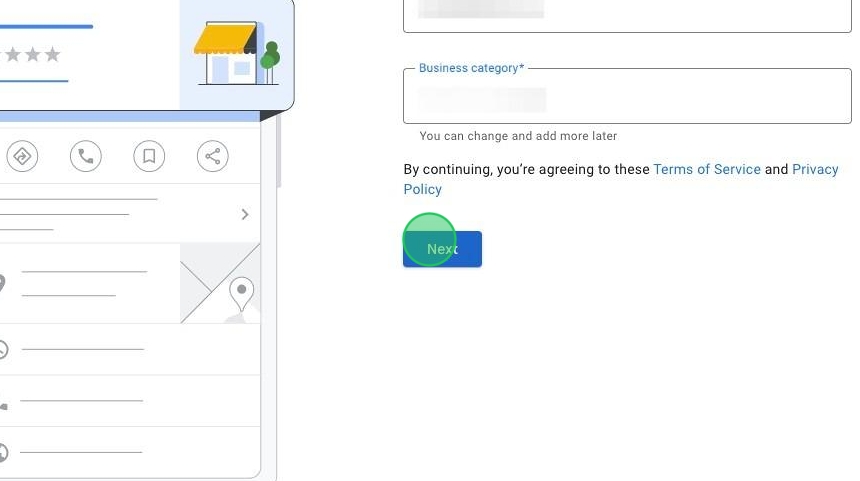
6. Click "Next"
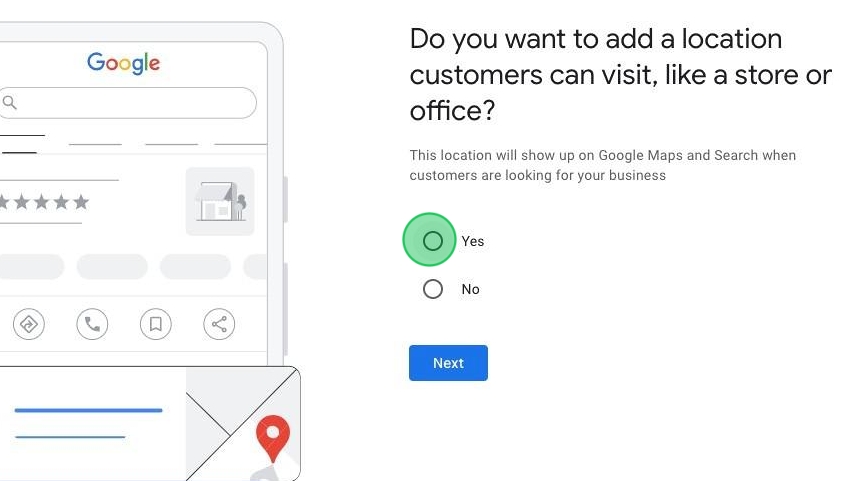
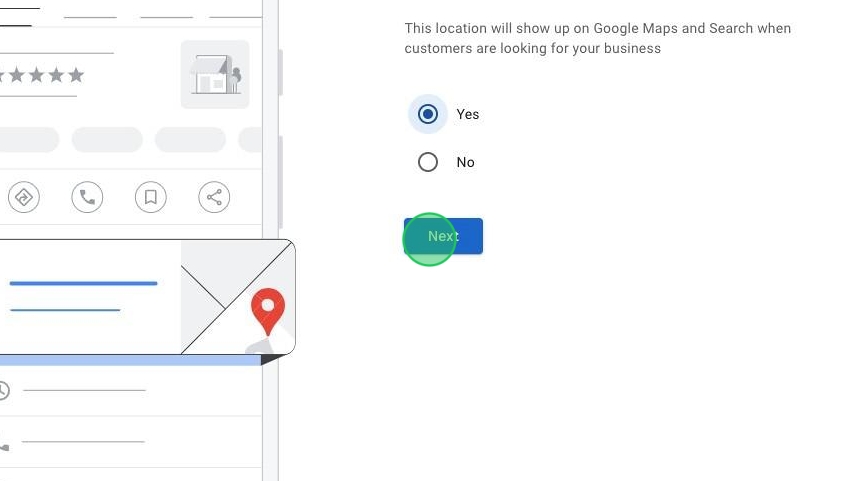
7. If you want to add location details, click 'yes'.
8. Click "Next"
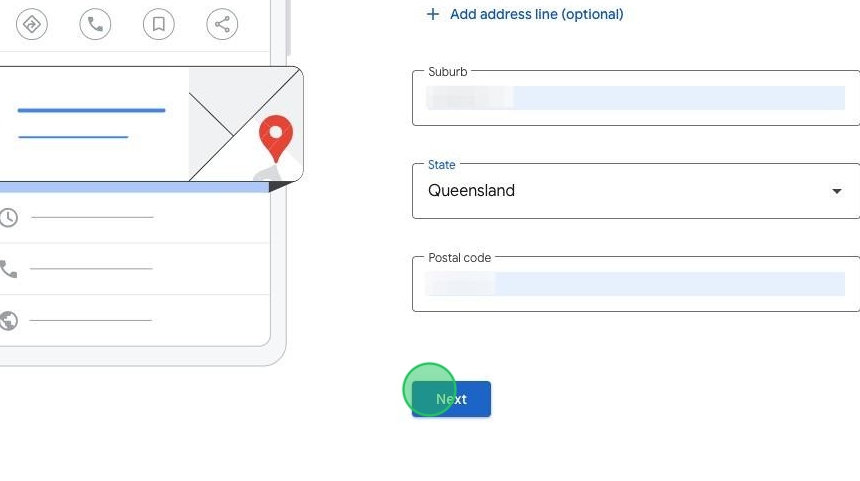
9. Enter your business address details.
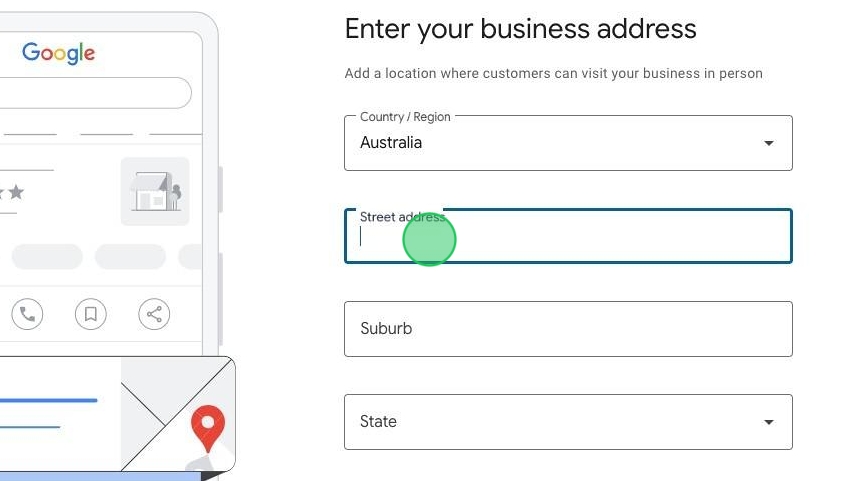
10. Click "Next".
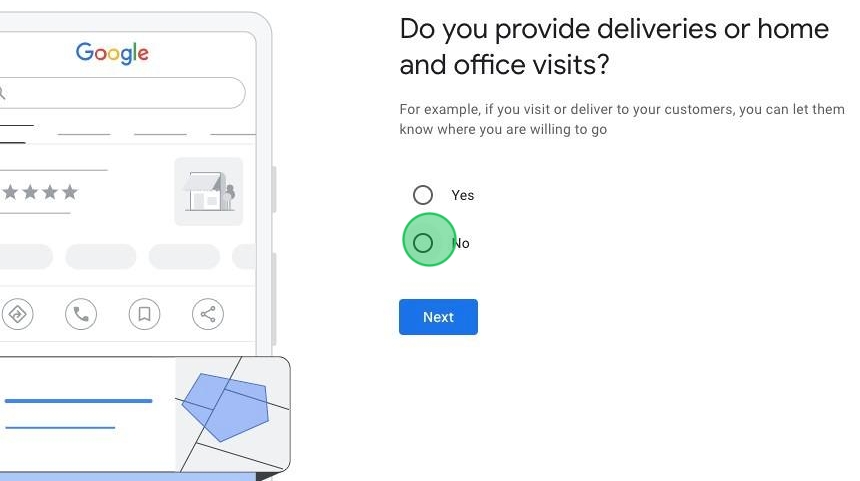
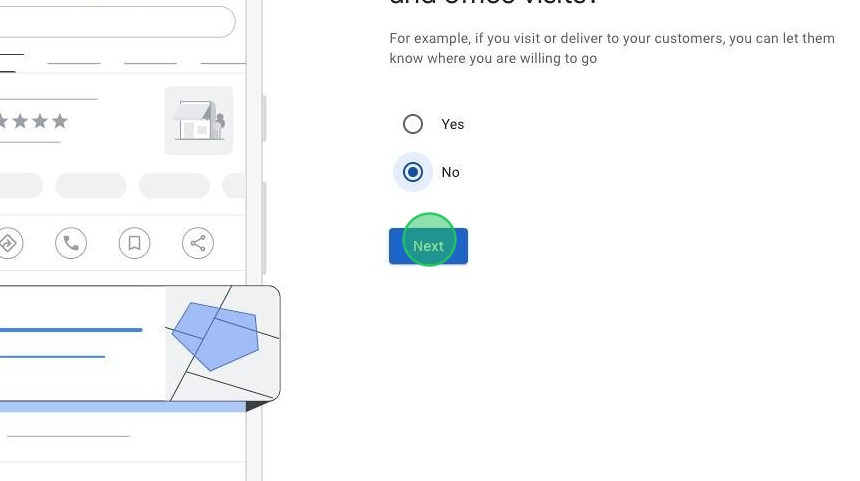
11. Choose "Yes" or "No" here.
12. Click "Next"
13. Enter your business contact details.
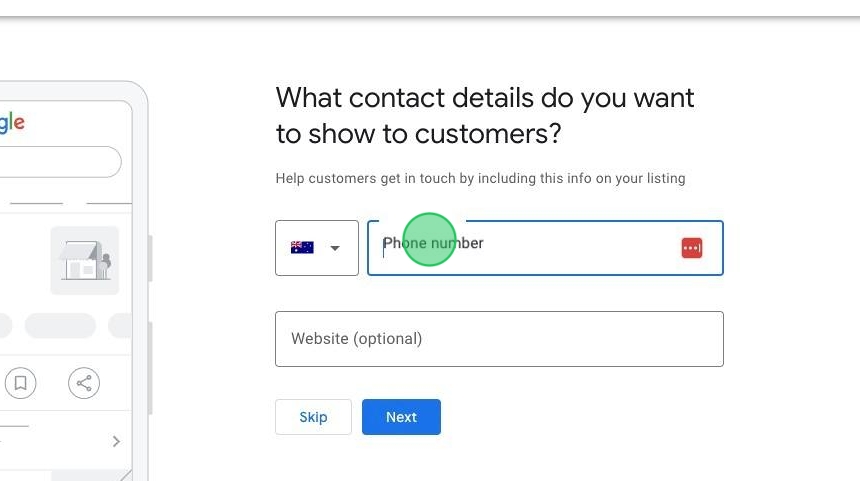
14. Click "Next"
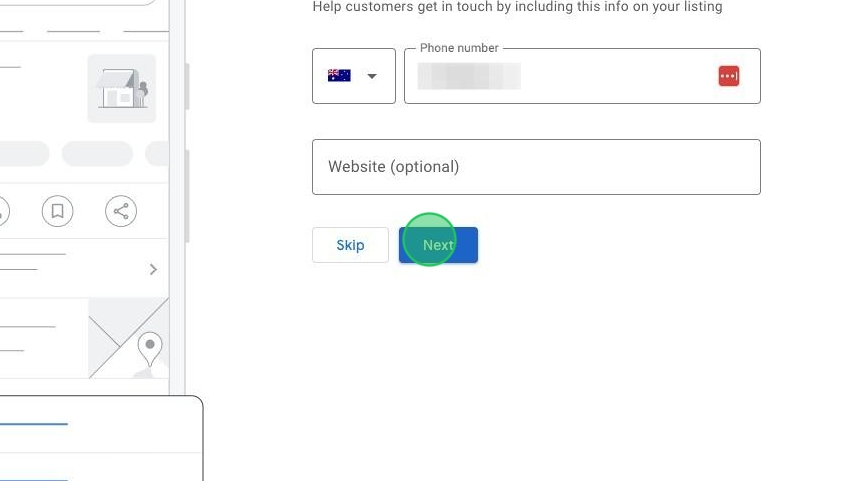
15. Click "Next"
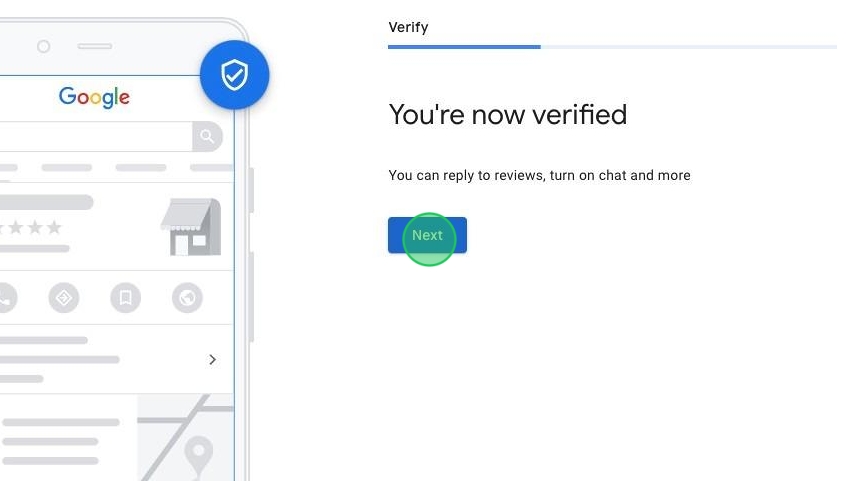
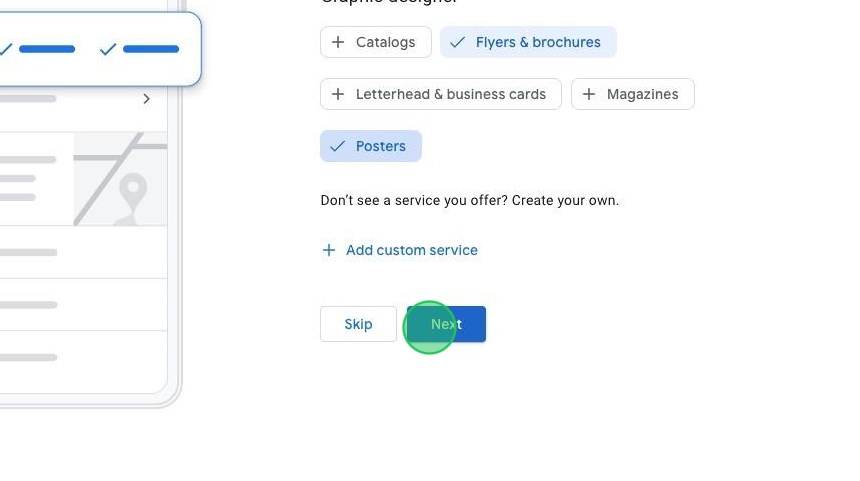
16. Choose some services to add.
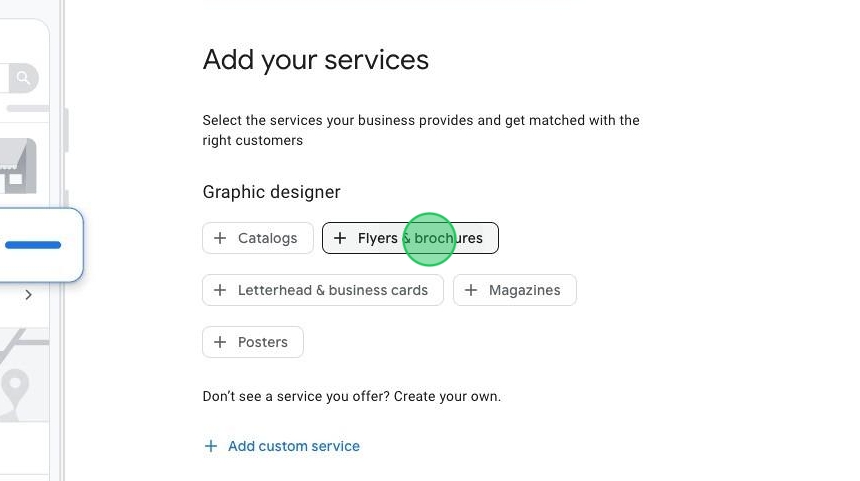
17. Click "Next"
18. Choose your business days and hours.
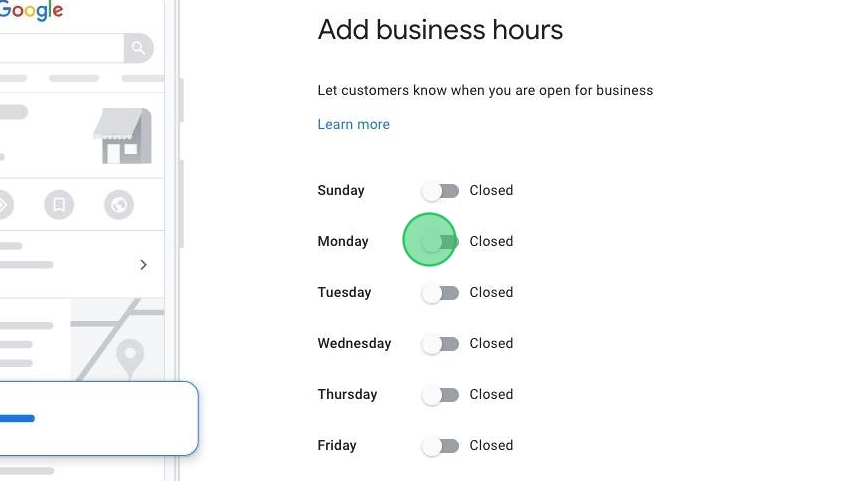
19. Click "Next"

20. Write a business description here, then click "Next".
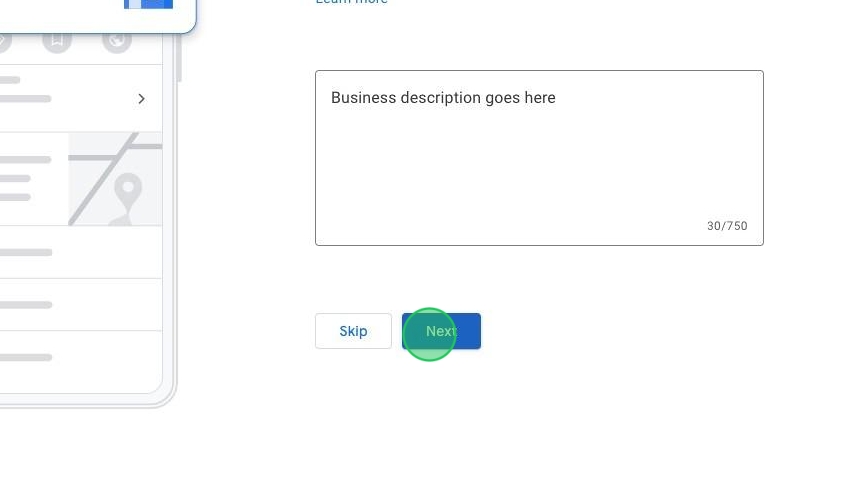
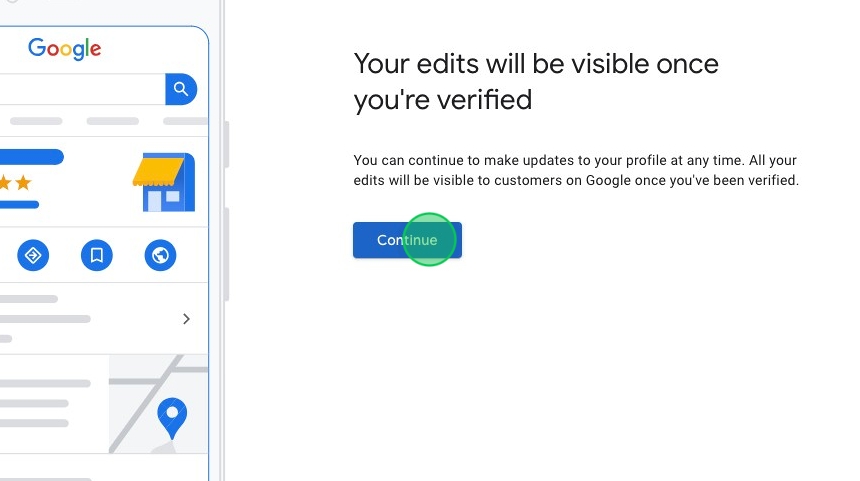
21. Click "Continue"